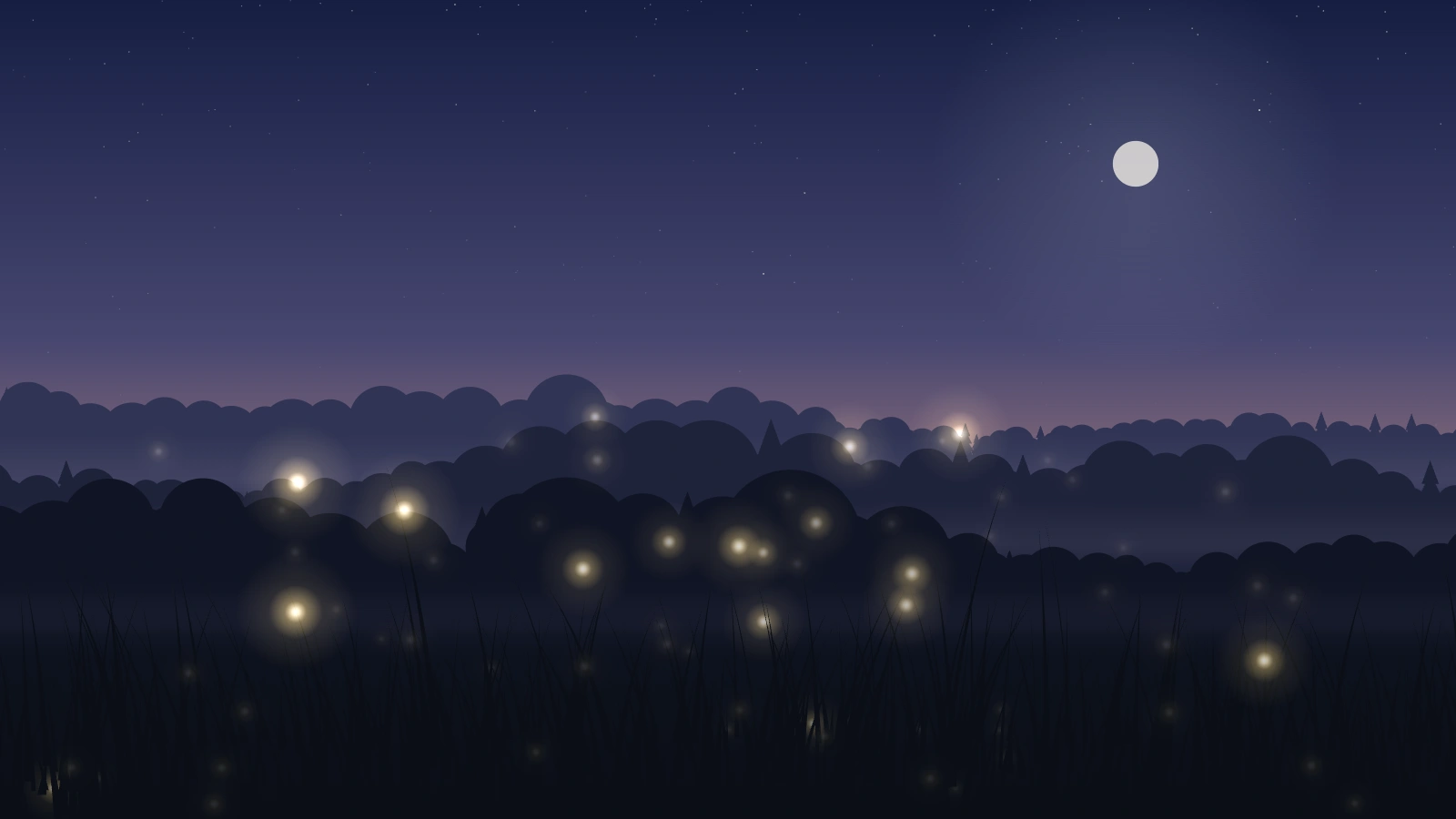
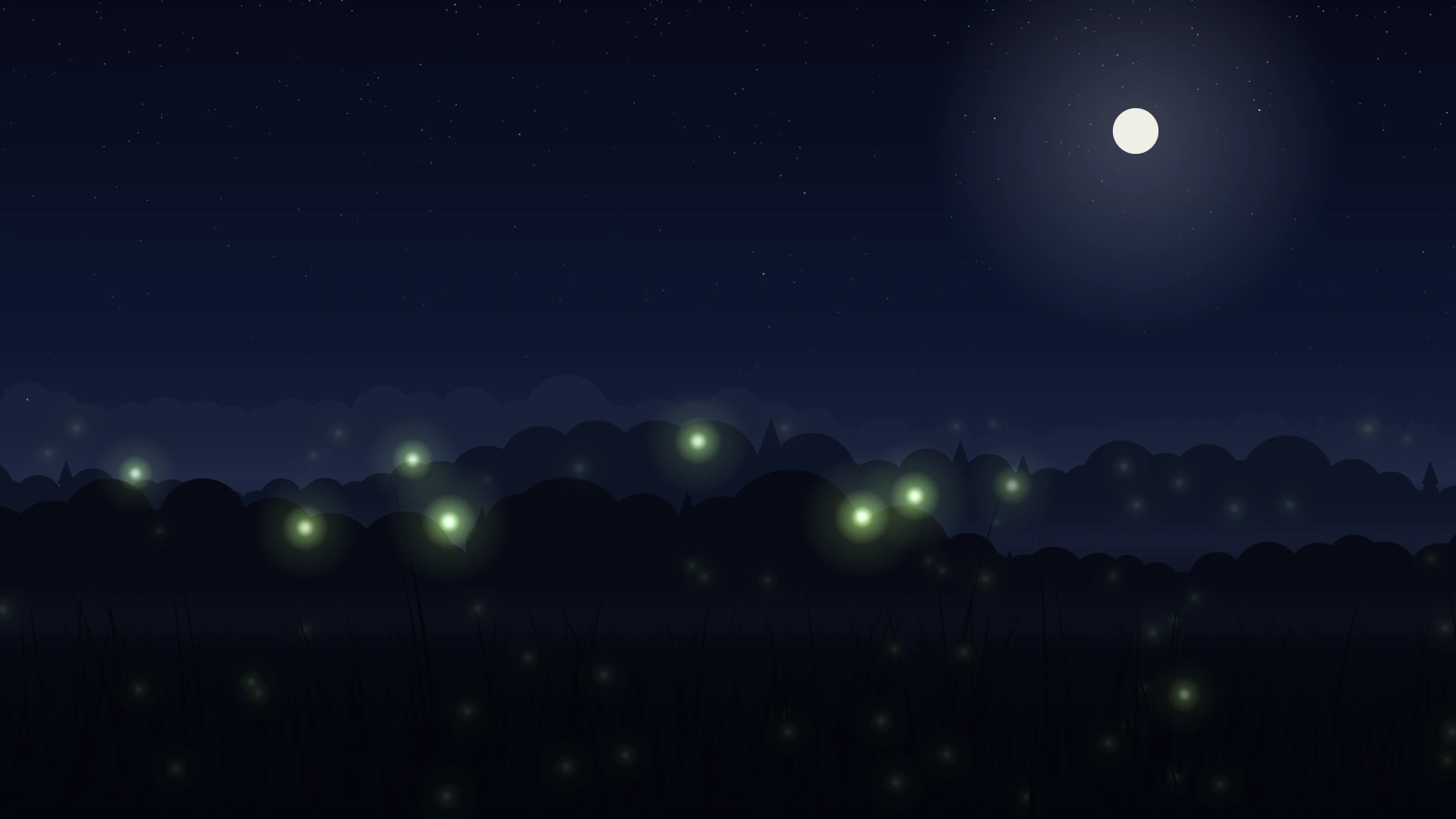
The edge of a wood just after dusk, with fireflies drifting over the grass. Each one is an oscillator with its own natural rhythm, and every flash nudges the phase of the flies near it, so patches of the meadow drift into step and out again — nothing is scripted. Three painted tree lines with mist between them give it depth: far flies are small, dim and slow and pass behind the grass, near ones are bigger, brighter and quicker and pass in front of it.
DuskGold flies under a rose-and-lilac afterglow.NightGreen lights under a full moon.
The synchrony is real
Natural rhythms run from 3.2 to 5.5 seconds, and each flash pulls the phase of nearby flies toward its own. Setting sync to 0 turns the coupling off and every fly keeps its own clock — a quick way to see what the pulling is doing.
If you self-host
Self-hosted, read-only container. Fireflies draws on a single 2D canvas — no WebGL, and no network request of any kind. The backdrop is painted once; each frame redraws only the grass and the lights, at a capped 30 frames a second.
What it wants
A count of flies, a colour — gold, green, or blue — and dusk or night. Scene scale comes from the screen’s shorter side, so the same URL works on a 16:9 panel, a portrait tablet, or a browser window.
Setup
Put Fireflies on a screen.
A browser is genuinely enough — the Mac app and Fully Kiosk below are conveniences, not requirements.
Any screen
nothing to install
Open the display in whatever browser the screen already has.
Go full screen: F11 on Windows and Linux, ⌃⌘F on macOS.
Or give it a browser of its own, which is what a dedicated panel wants: chrome --kiosk <url> — on macOS, open -a "Google Chrome" --args --kiosk <url>.
Turn off display sleep in the machine’s power settings and walk away.
Works on anything with a browser
Mac desktop
LivingKiosk app
Get the app and its install steps at livingkiosk.com/mac. It isn’t notarized yet, so macOS asks you to approve it once.
Menu bar → Library… and pick a display for each screen.
Configure… on any screen for its reload schedule, dim, and saved configs.
Displays are ordinary web pages, so anything that can hold one open works: a Raspberry Pi on a monitor, a retired iPad, a Fire tablet, the browser built into a TV.
Configuration
URL parameters.
Everything below, plus a live preview and a URL builder that writes the link for you, is at fireflies.livingkiosk.com/setup.
Parameter
Default
Meaning
count
70
How many fireflies are in the meadow, 5–250. Rounded to a whole number.
sync
0.5
How strongly each flash pulls on nearby flies’ rhythm, 0–1. 0 turns it off.
hue
gold
green or blue. The colour of the light.
time
dusk
night. Dusk keeps a rose and lilac afterglow on the horizon; night is nearly black-blue with a full field of stars.
speed
1
A multiplier on drift, flash rhythm and grass, 0.2–3. Clamped, not rejected.