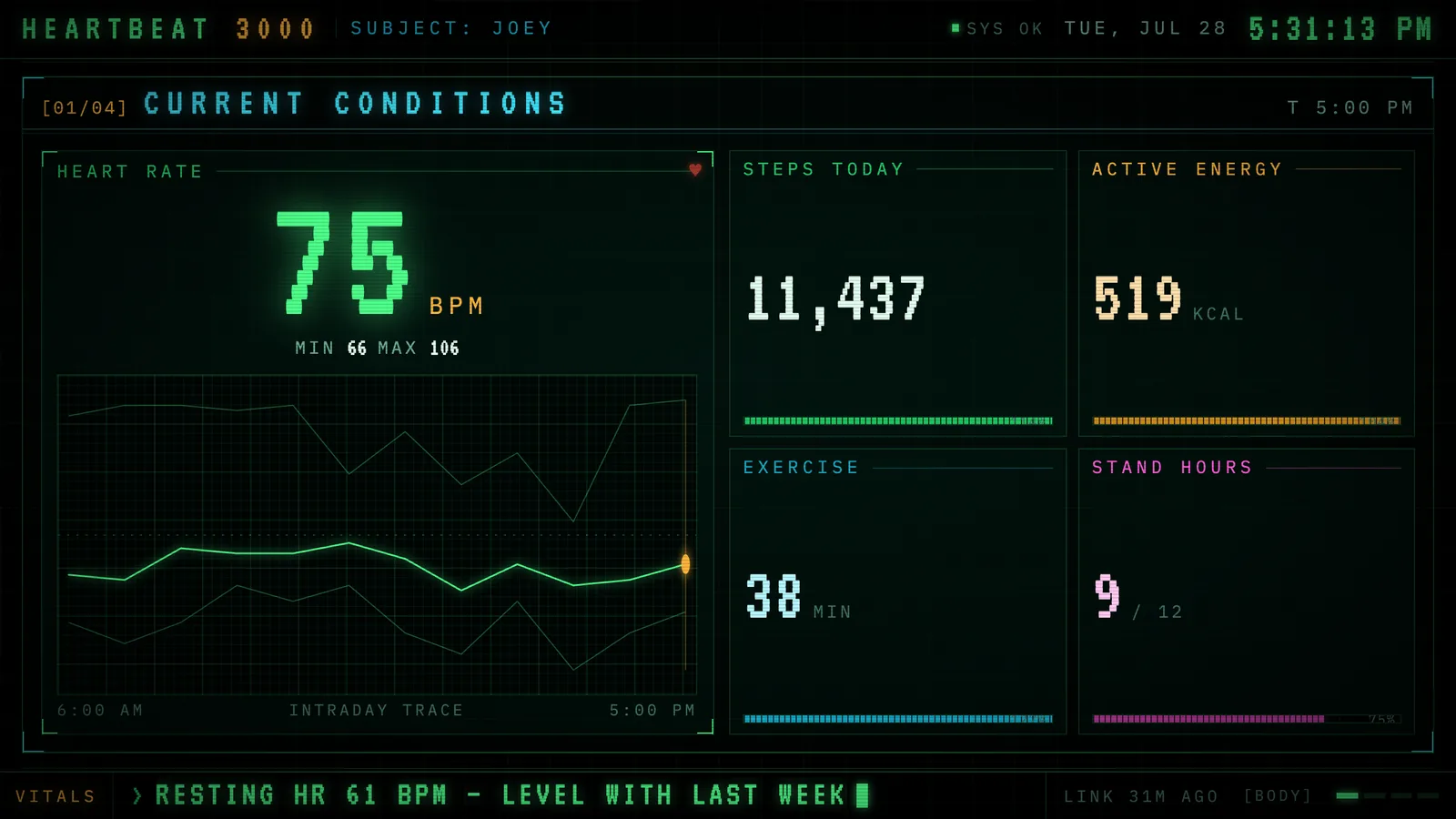
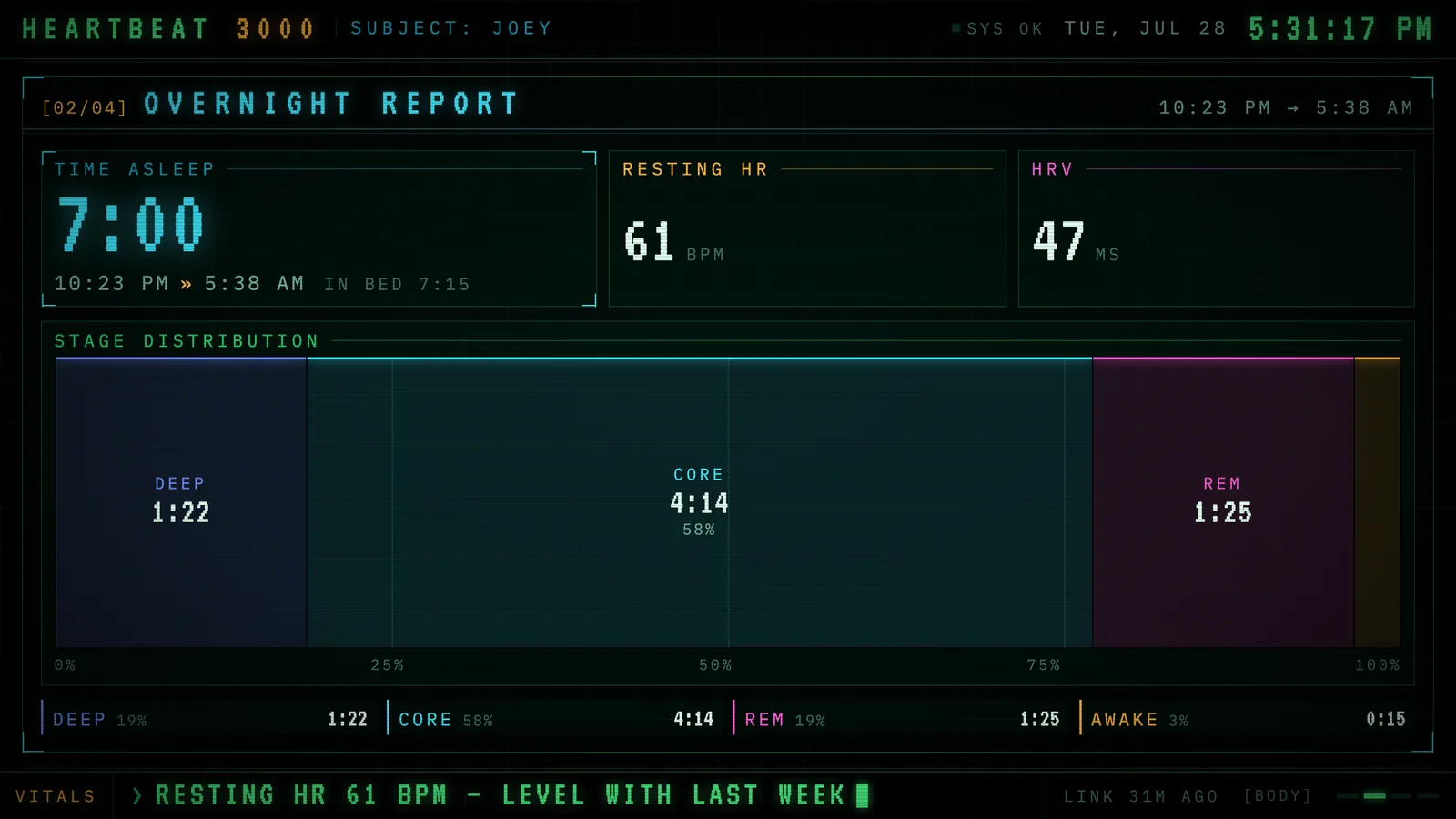
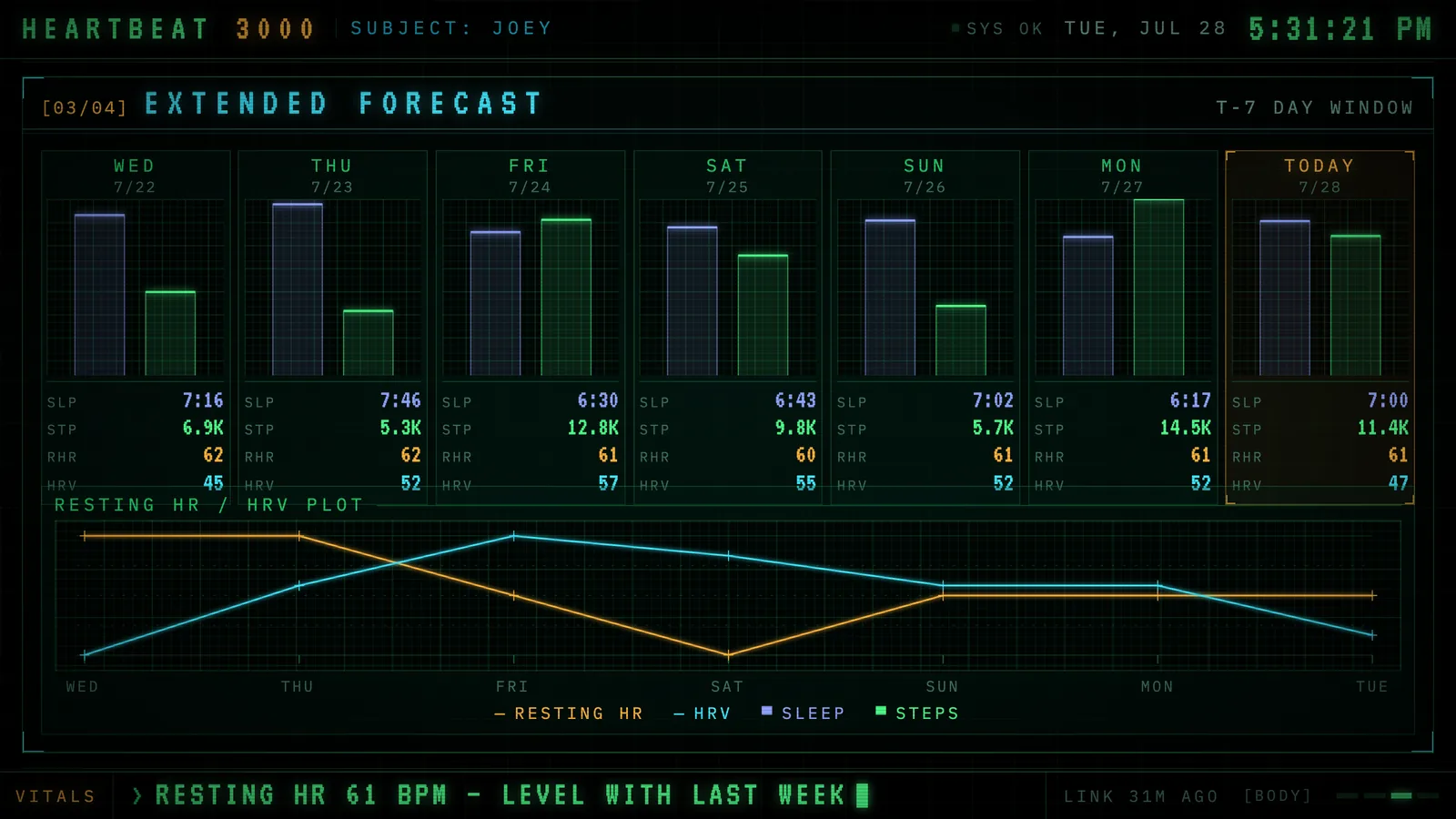
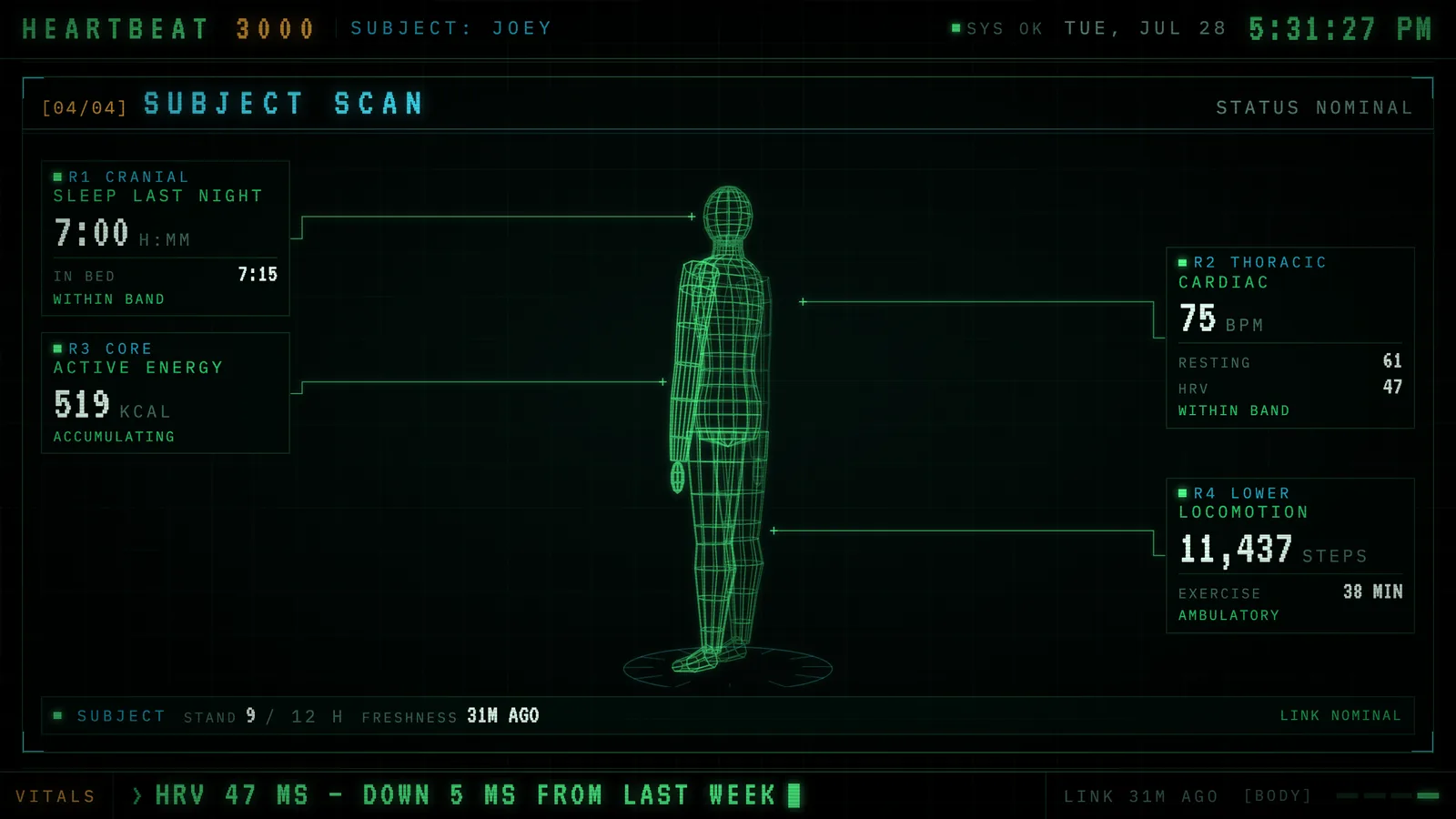
Your vitals as a late-night broadcast. Heartbeat 3000 takes the data your Apple Watch already collects and plays it back as a mid-80s scope terminal — phosphor green on black glass, four panels on a slow rotation, a ticker along the bottom. It is meant to be seen from across the room, not read.
Current conditionsLive heart rate, today’s intraday trace, rings.Overnight reportLast night: time asleep, stages, resting HR, HRV.Extended forecastSeven days of sleep, steps, and trend lines.Subject scanA wireframe body on a turntable, annotated per region.
Where the data comes from
Health Auto Export on iOS posts your Apple Watch metrics on a schedule. Heartbeat stores them and draws from its own copy — nothing is pulled from a third party while the display is up.
Where it runs
Self-hosted today: single container, one SQLite file, on your own machine. A hosted option — somewhere for a Watch to send data without running a server — is what is still being worked out.
What it wants
A 16:9 screen you are not otherwise using. It scales as one unit, so it reads the same on a 5K monitor and a wall-mounted tablet.
Setup
Put Heartbeat 3000 on a screen.
A browser is genuinely enough — Plash and Fully Kiosk below are conveniences, not requirements.
Any screen
nothing to install
Open the display in whatever browser the screen already has.
Go full screen: F11 on Windows and Linux, ⌃⌘F on macOS.
Or give it a browser of its own, which is what a dedicated panel wants: chrome --kiosk <url> — on macOS, open -a "Google Chrome" --args --kiosk <url>.
Turn off display sleep in the machine’s power settings and walk away.
Works on anything with a browser
Mac desktop
via Plash
Install Plash from the Mac App Store — it renders any web page as your desktop wallpaper.
Menu bar icon → Open URL… and paste the display’s address.
Leave Browsing Mode off so clicks pass through to your desktop as normal.
Plash reloads on wake, so it recovers on its own after sleep.
Displays are ordinary web pages, so anything that can hold one open works: a Raspberry Pi on a monitor, a retired iPad, a Fire tablet, the browser built into a TV.
Configuration
URL parameters.
Heartbeat 3000 isn’t hosted yet, so there is no /setup page to build the URL for you — add parameters to the bare URL by hand, as documented in the README that ships with it.
Parameter
Default
Meaning
/
—
Normal rotation, 12 seconds a panel.
panel
—
Pin one panel: current, overnight, forecast, scan, or an index 0–3.
panels
—
Rotate through a comma-separated subset, in the order given.
cycle
12s
off stops rotating; a number changes the dwell time in seconds.
/body
—
The full subject record — every metric on file, sleep log, workout log.
dim
0
Black scrim over everything, 0 to 0.8 (fleet-wide convention).
Heartbeat 3000 is open source under the MIT licence. Run it yourself with one command — the repositories go public at launch.