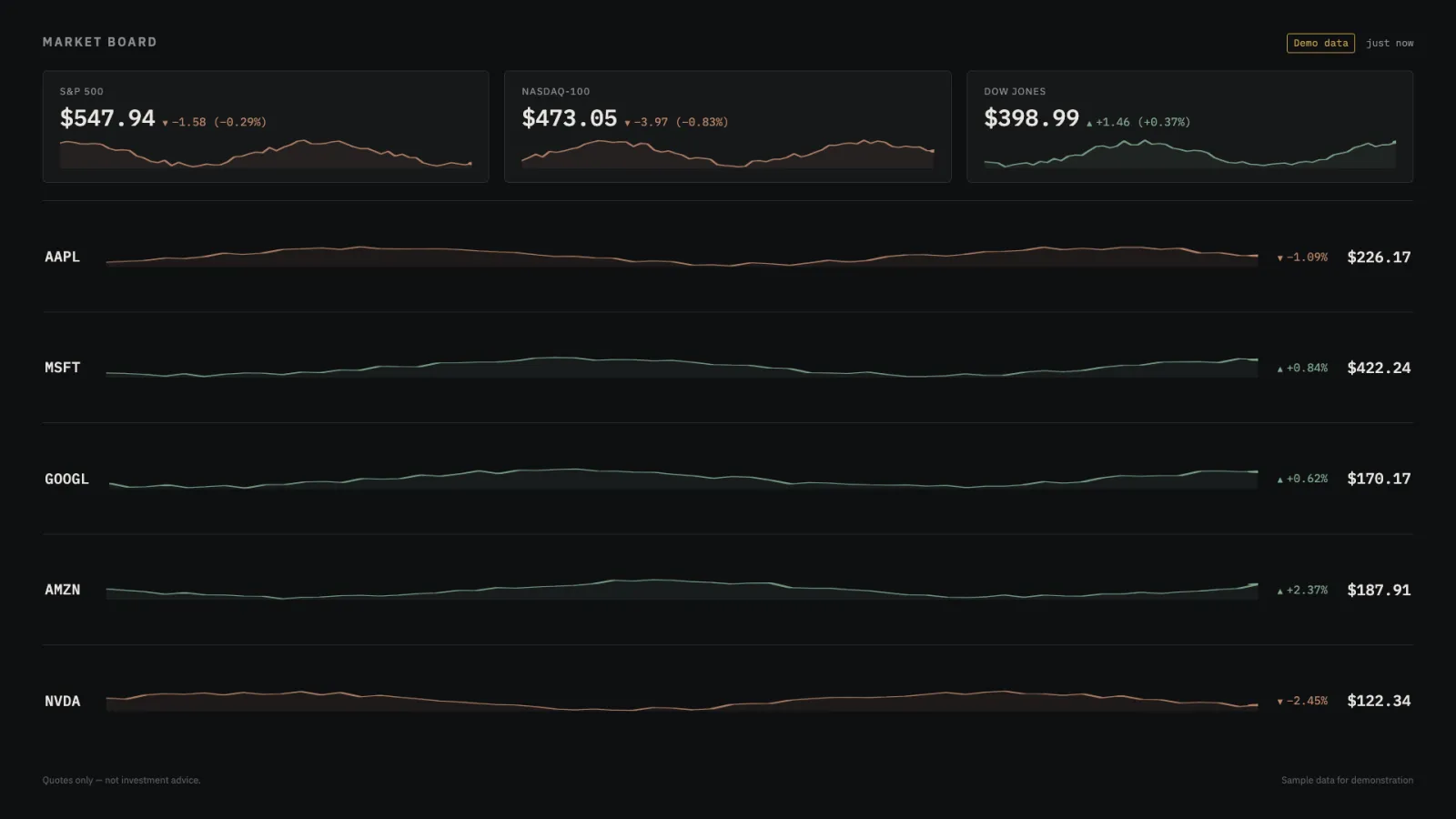
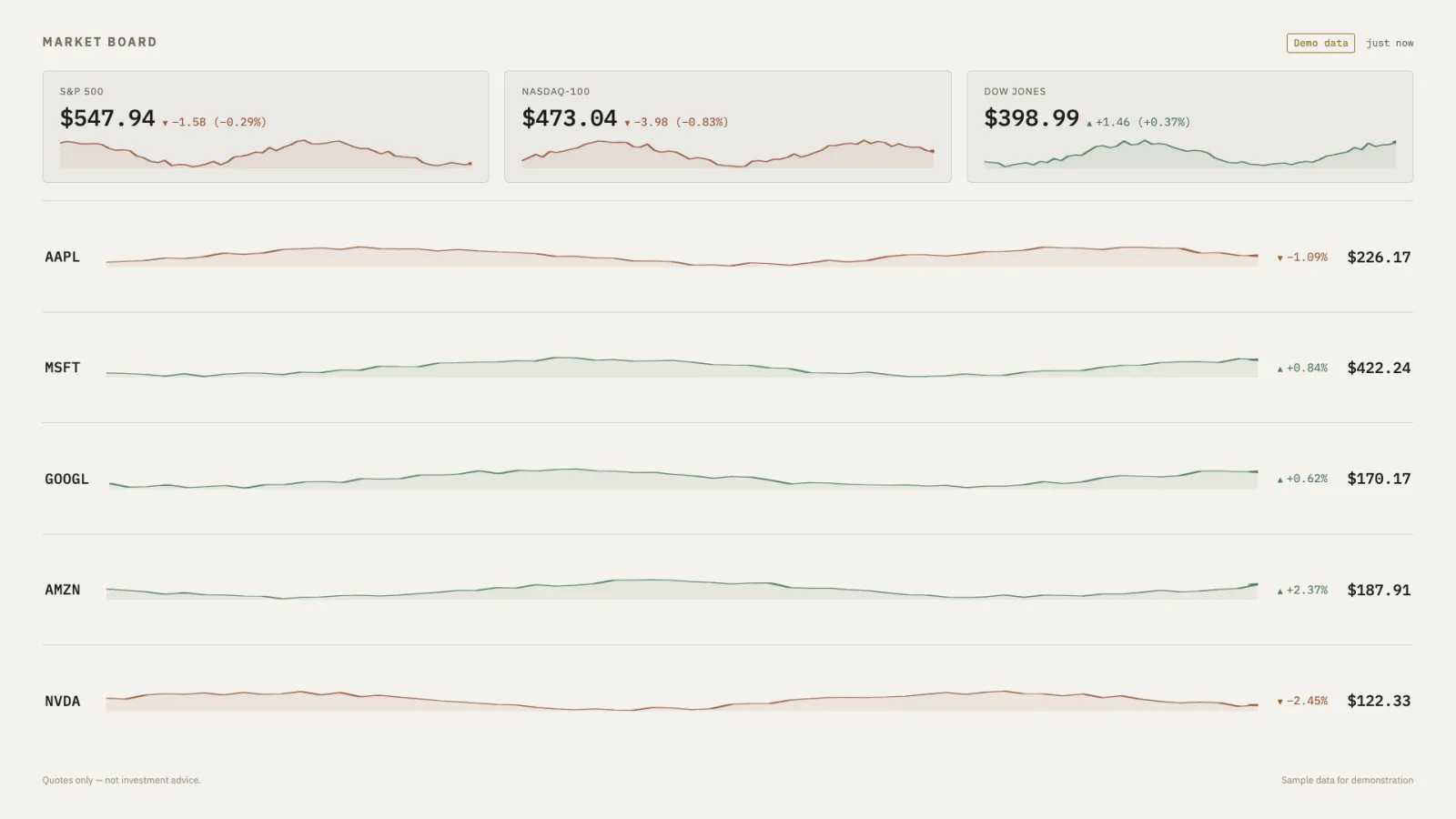
A handful of major indices and a watchlist you choose, each with day change and a sparkline drawn from accumulated history. Bring a free key from Finnhub for real quotes — always marked delayed up to fifteen minutes, never shown as live — or run it with no key at all for clearly watermarked demo data. Up and down get the same visual weight: a muted tint and a small triangle, never anything that reads as an alert.
DarkIndices, a five-stock watchlist, and their sparklines.LightThe same board, for a room with daylight in it.
Where the quotes come from
Finnhub’s free tier, in your own account — a generous per-minute budget shared across every kiosk pointed at one key via a server-side cache. The four indices are shown via their most heavily traded tracking ETF (SPY, QQQ, DIA, IWM), disclosed on the board itself, since real cash index symbols are a paid add-on.
Where it runs
Self-hosted, no database — the quote cache is in memory. With no key configured it falls back to demo mode automatically: realistic sample data, clearly watermarked, so the board looks right the moment it starts.
What it wants
A ticker list (up to twelve) and which indices to show. It carries no advice, no recommendations, and no portfolio math — it shows quotes, for informational purposes only.
Setup
Put Market Board on a screen.
A browser is genuinely enough — Plash and Fully Kiosk below are conveniences, not requirements.
Any screen
nothing to install
Open the display in whatever browser the screen already has.
Go full screen: F11 on Windows and Linux, ⌃⌘F on macOS.
Or give it a browser of its own, which is what a dedicated panel wants: chrome --kiosk <url> — on macOS, open -a "Google Chrome" --args --kiosk <url>.
Turn off display sleep in the machine’s power settings and walk away.
Works on anything with a browser
Mac desktop
via Plash
Install Plash from the Mac App Store — it renders any web page as your desktop wallpaper.
Menu bar icon → Open URL… and paste the display’s address.
Leave Browsing Mode off so clicks pass through to your desktop as normal.
Plash reloads on wake, so it recovers on its own after sleep.
Displays are ordinary web pages, so anything that can hold one open works: a Raspberry Pi on a monitor, a retired iPad, a Fire tablet, the browser built into a TV.
Configuration
URL parameters.
Market Board isn’t hosted yet, so there is no /setup page to build the URL for you — add parameters to the bare URL by hand, as documented in the README that ships with it.
Parameter
Default
Meaning
tickers
AAPL,MSFT,GOOGL,AMZN,NVDA
Comma-separated symbols, up to 12.
indices
spx,ndx,dji
spx, ndx, dji, rut — shown via ETF proxy on the free tier.
window
1d
1h, 4h, or 5d — how far back each sparkline reaches.
currency
usd
eur, gbp, or jpy — formatting only.
refresh
300
How often the browser polls, in seconds, 30–900.
demo
auto
Forces demo data even with a key configured.
bg
dark
light or a hex colour (fleet-wide convention).
dim
0
Black scrim over everything, 0 to 0.8 (fleet-wide convention).
Market Board is open source under the MIT licence. Run it yourself with one command — the repositories go public at launch.