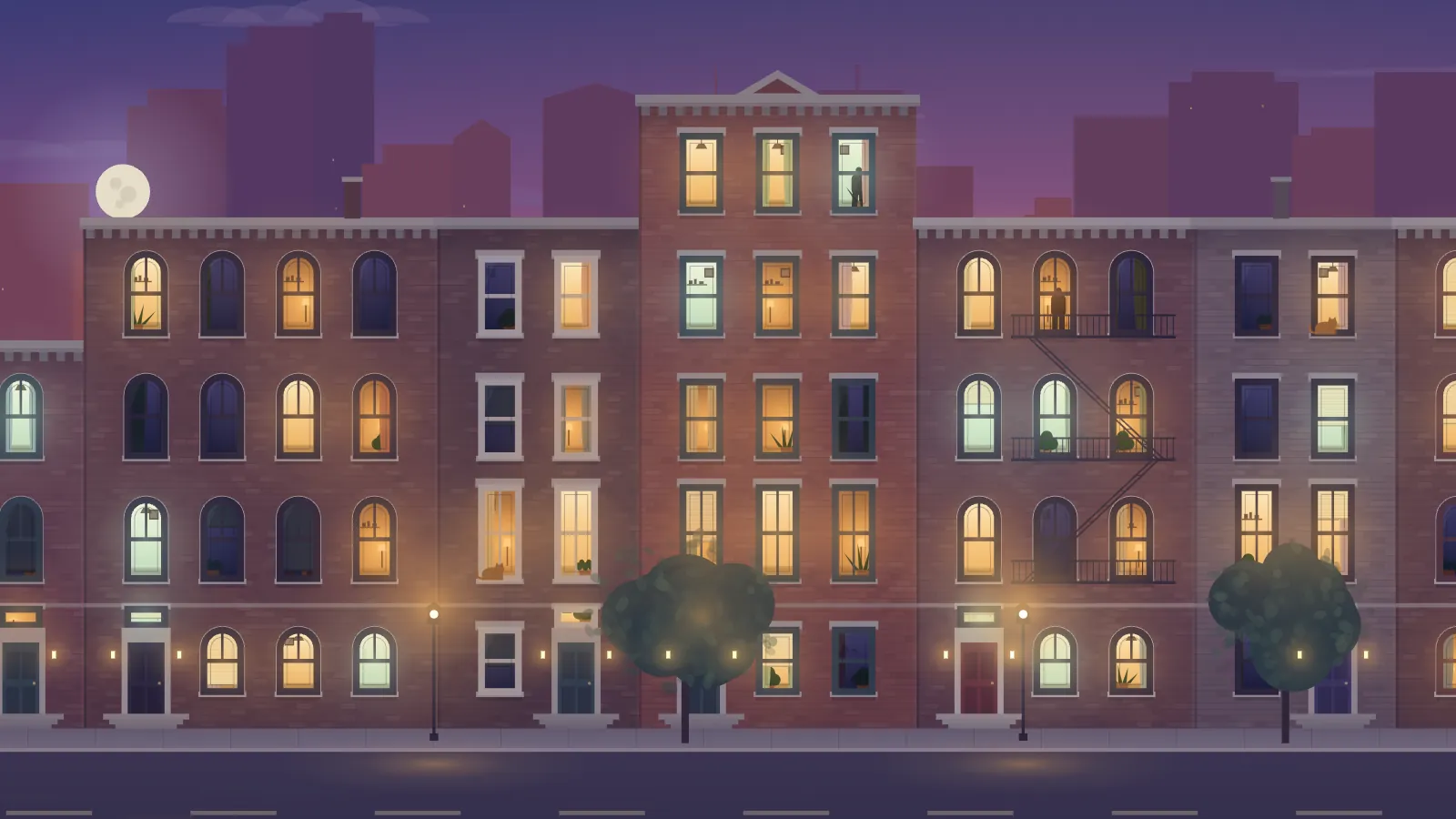
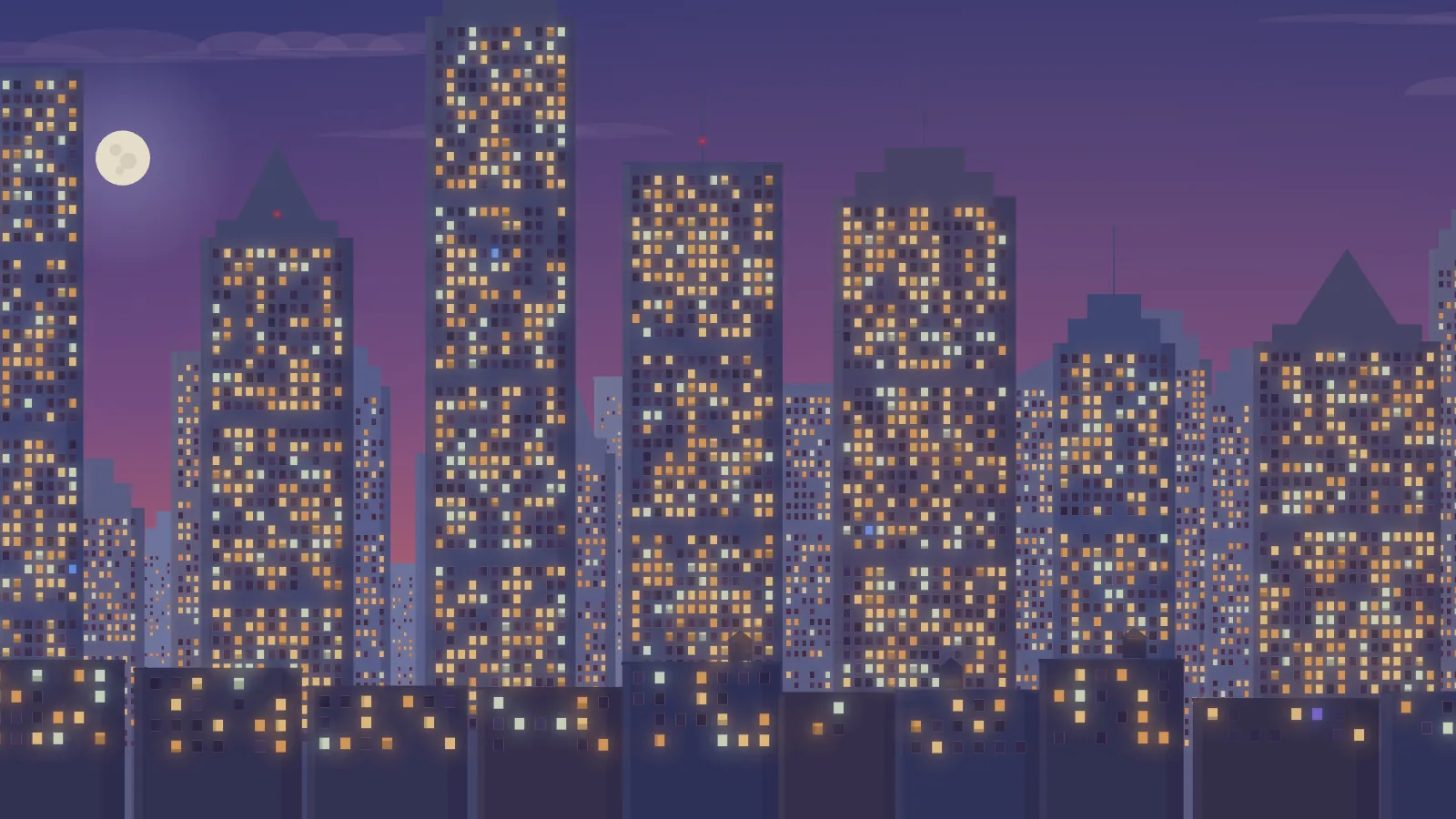
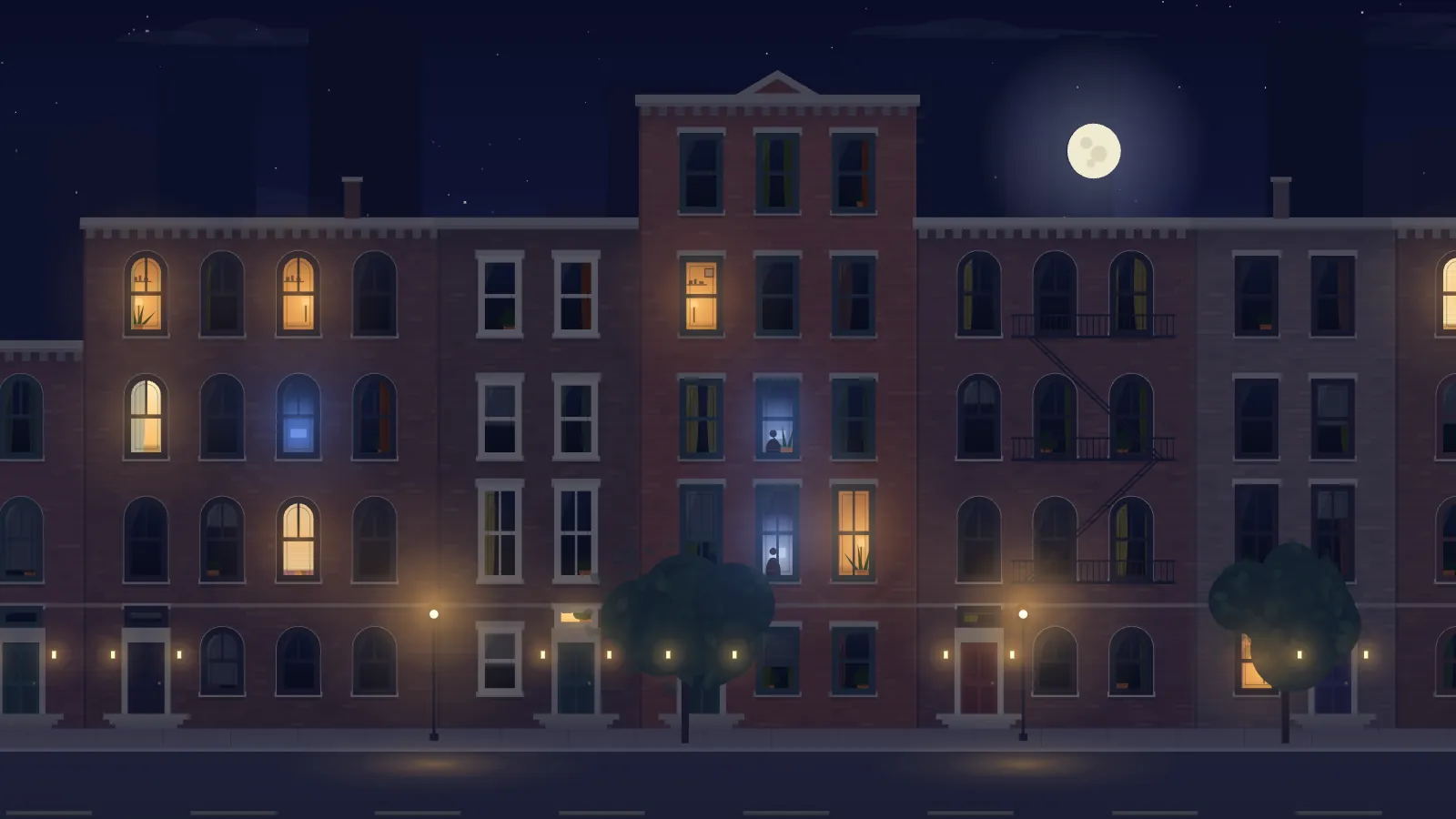
A street across the way, living its evening in real time — lamps coming on at dusk, a television flickering blue, someone crossing a room, the last lights going out one by one. The sun is worked out from arithmetic and every window’s evening from a seed, so there is nothing to fetch, no audio, and no text on the screen at all.
BrownstoneA brick walk-up block across a narrow street, close enough to see into the rooms.CityA wall of towers at a distance, thousands of small windows, red beacons on the tallest.Two a.m.The same brownstone in the small hours: a few night owls, a blue television.
Every window is a small life
Warm lamps, a green-white kitchen, a television that changes scene every second or two, a cat on a ledge now and then, string lights in December. What each window does at any moment is worked out from the seed, the window and the night, so a screen that reloads at 22:40 rebuilds the same street and two screens with the same seed agree window for window.
It keeps the real hour
Dusk, an evening full of life, windows going dark toward midnight, a few night owls at 3 AM, an early breakfast light, dawn. Sunrise and sunset come from the date, the place and the time zone, so a screen in Lisbon and a screen in Sapporo are each right for where they are. No outbound request is ever made.
What it wants
Brownstone or city, and a time zone; a latitude and longitude if you want the sun exactly right. Rain, snow and string lights are optional. The whole picture drifts a few pixels over many minutes so nothing burns in, and it fits 16:9, 21:9, 4:3 and portrait panels from the same URL.
Setup
Put Night Windows on a screen.
A browser is genuinely enough — the Mac app and Fully Kiosk below are conveniences, not requirements.
Any screen
nothing to install
Open the display in whatever browser the screen already has.
Go full screen: F11 on Windows and Linux, ⌃⌘F on macOS.
Or give it a browser of its own, which is what a dedicated panel wants: chrome --kiosk <url> — on macOS, open -a "Google Chrome" --args --kiosk <url>.
Turn off display sleep in the machine’s power settings and walk away.
Works on anything with a browser
Mac desktop
LivingKiosk app
Get the app and its install steps at livingkiosk.com/mac. It isn’t notarized yet, so macOS asks you to approve it once.
Menu bar → Library… and pick a display for each screen.
Configure… on any screen for its reload schedule, dim, and saved configs.
Displays are ordinary web pages, so anything that can hold one open works: a Raspberry Pi on a monitor, a retired iPad, a Fire tablet, the browser built into a TV.