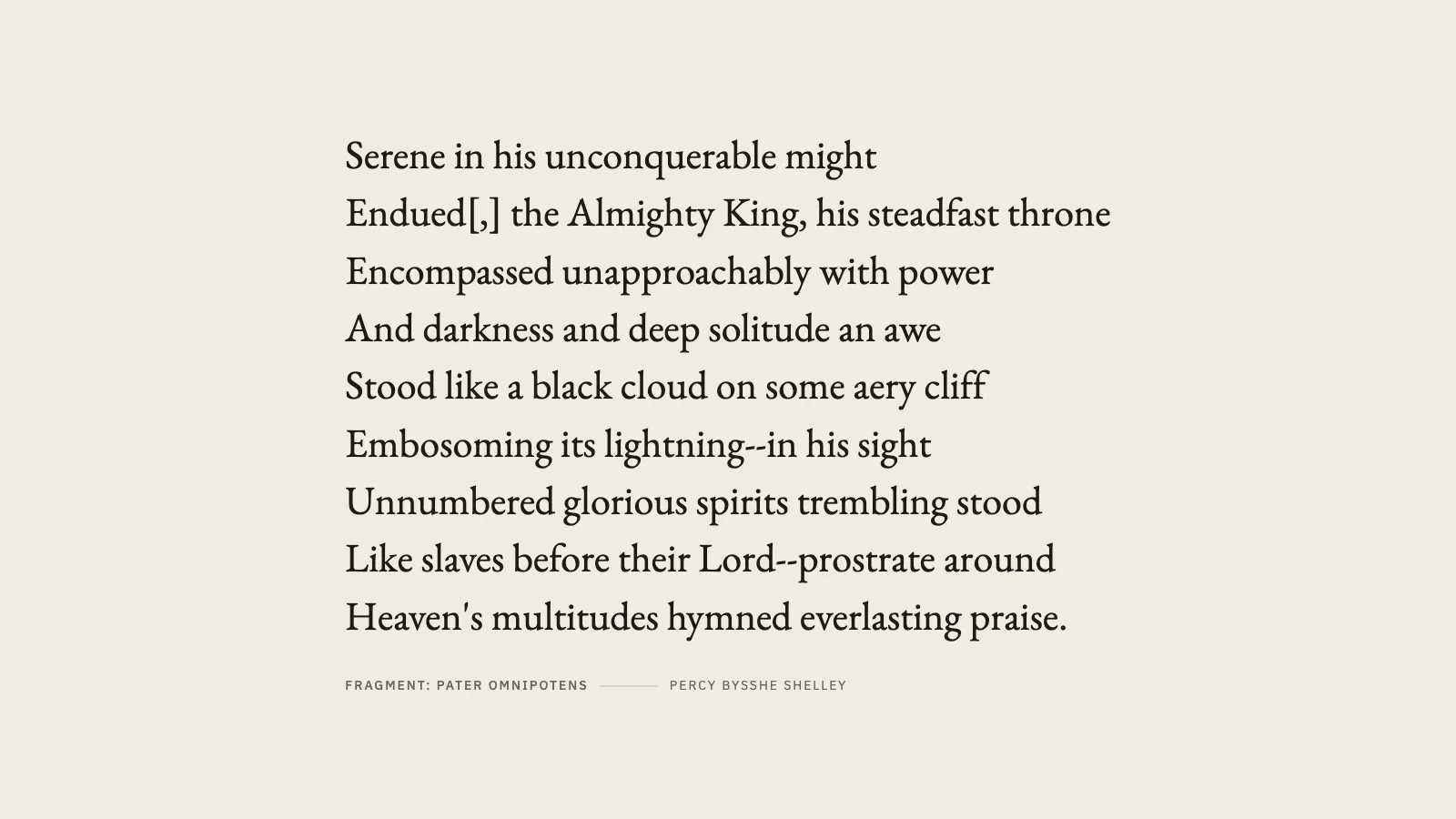
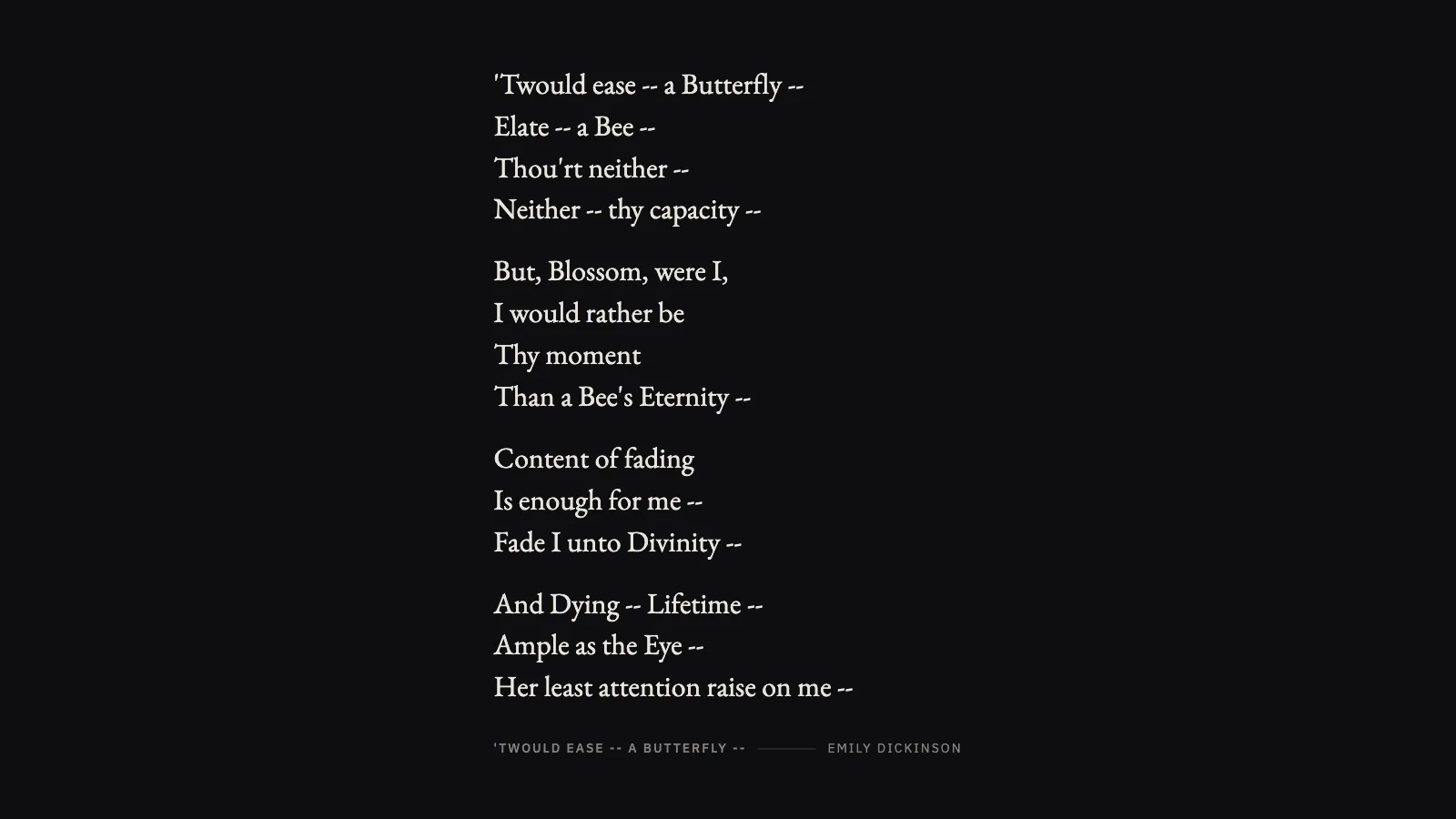
One public-domain poem at a time, set as large as it can be while still fitting the glass, changed quietly every couple of minutes. Twelve hundred poems by thirty poets, all long out of copyright, all inside the image — Passage never makes an outbound request while it is running.
PaperWarm ground, for a room with daylight in it.InkThe same setting for a room that is not.
Where the poems come from
PoetryDB, which draws on Project Gutenberg. Every poet died long enough ago that their work is in the public domain, and the selection is an explicit list rather than whatever an API returns.
If you self-host
Self-hosted, read-only container, no database and no network. The whole collection is a file inside the image — nothing upstream can disappear or start charging.
What it wants
A screen you read rather than watch. Each poem is measured and set at the largest size that still fits, so a couplet is set huge and a long ode smaller; nothing is ever cut off.
Setup
Put Passage on a screen.
A browser is genuinely enough — the Mac app and Fully Kiosk below are conveniences, not requirements.
Any screen
nothing to install
Open the display in whatever browser the screen already has.
Go full screen: F11 on Windows and Linux, ⌃⌘F on macOS.
Or give it a browser of its own, which is what a dedicated panel wants: chrome --kiosk <url> — on macOS, open -a "Google Chrome" --args --kiosk <url>.
Turn off display sleep in the machine’s power settings and walk away.
Works on anything with a browser
Mac desktop
LivingKiosk app
Get the app and its install steps at livingkiosk.com/mac. It isn’t notarized yet, so macOS asks you to approve it once.
Menu bar → Library… and pick a display for each screen.
Configure… on any screen for its reload schedule, dim, and saved configs.
Displays are ordinary web pages, so anything that can hold one open works: a Raspberry Pi on a monitor, a retired iPad, a Fire tablet, the browser built into a TV.
Configuration
URL parameters.
Everything below, plus a live preview and a URL builder that writes the link for you, is at passage.livingkiosk.com/setup.
Parameter
Default
Meaning
dwell
120
Seconds each poem stays up (15–3600).
theme
paper
ink or dusk.
align
left
centre instead — left keeps a hanging indent on wrapped lines.
length
any
short (6–16 lines) or long (17–40).
poets
all
Comma-separated surnames.
placard
on
The title and poet beneath the poem.
seed
—
Pins the walk, so two screens stay in step.
dim
0
Black scrim over everything, 0 to 0.8 (fleet-wide convention).
Passage is open source under the MIT licence. Run it yourself with one command. The source opens to the public soon.