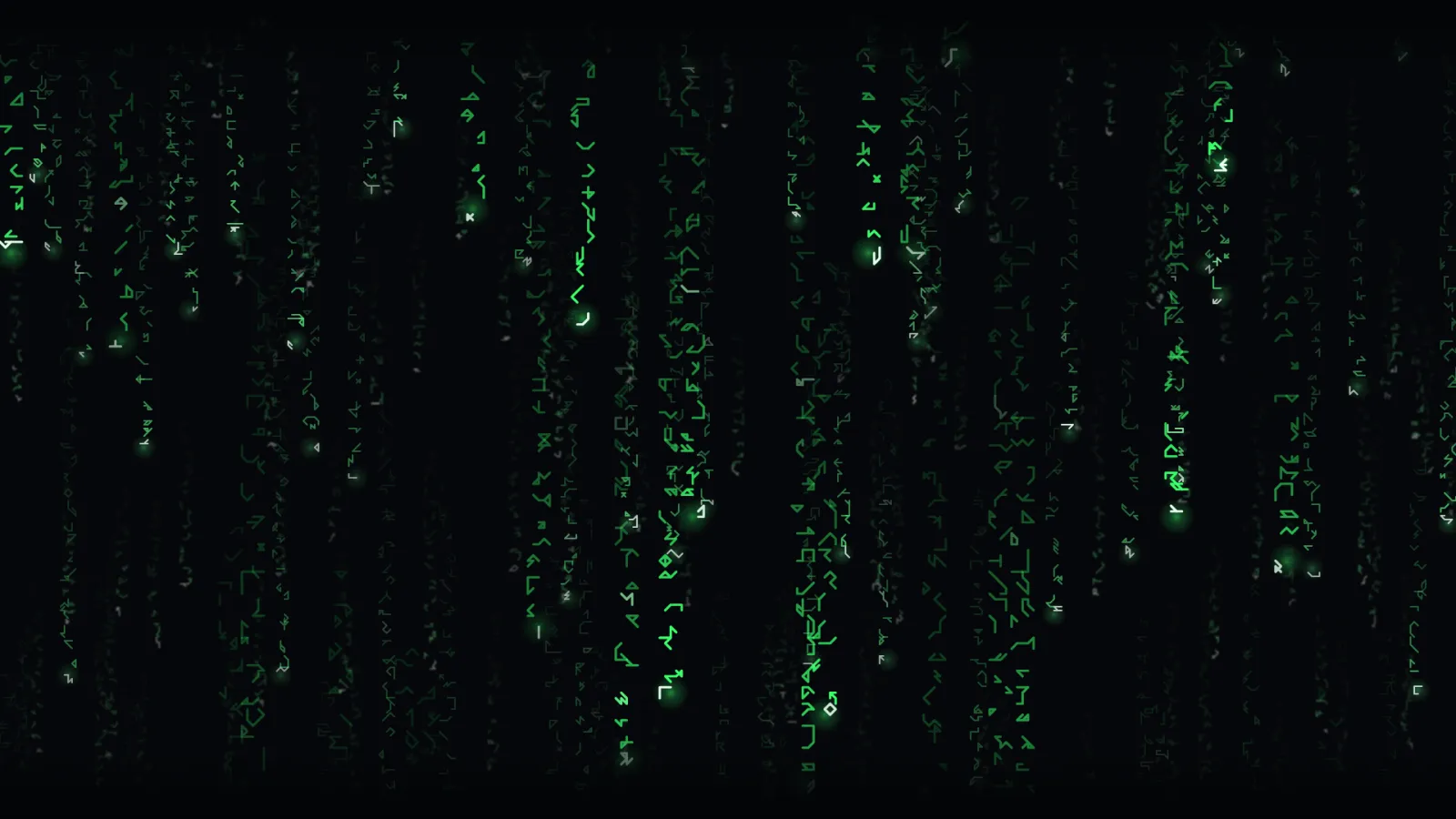
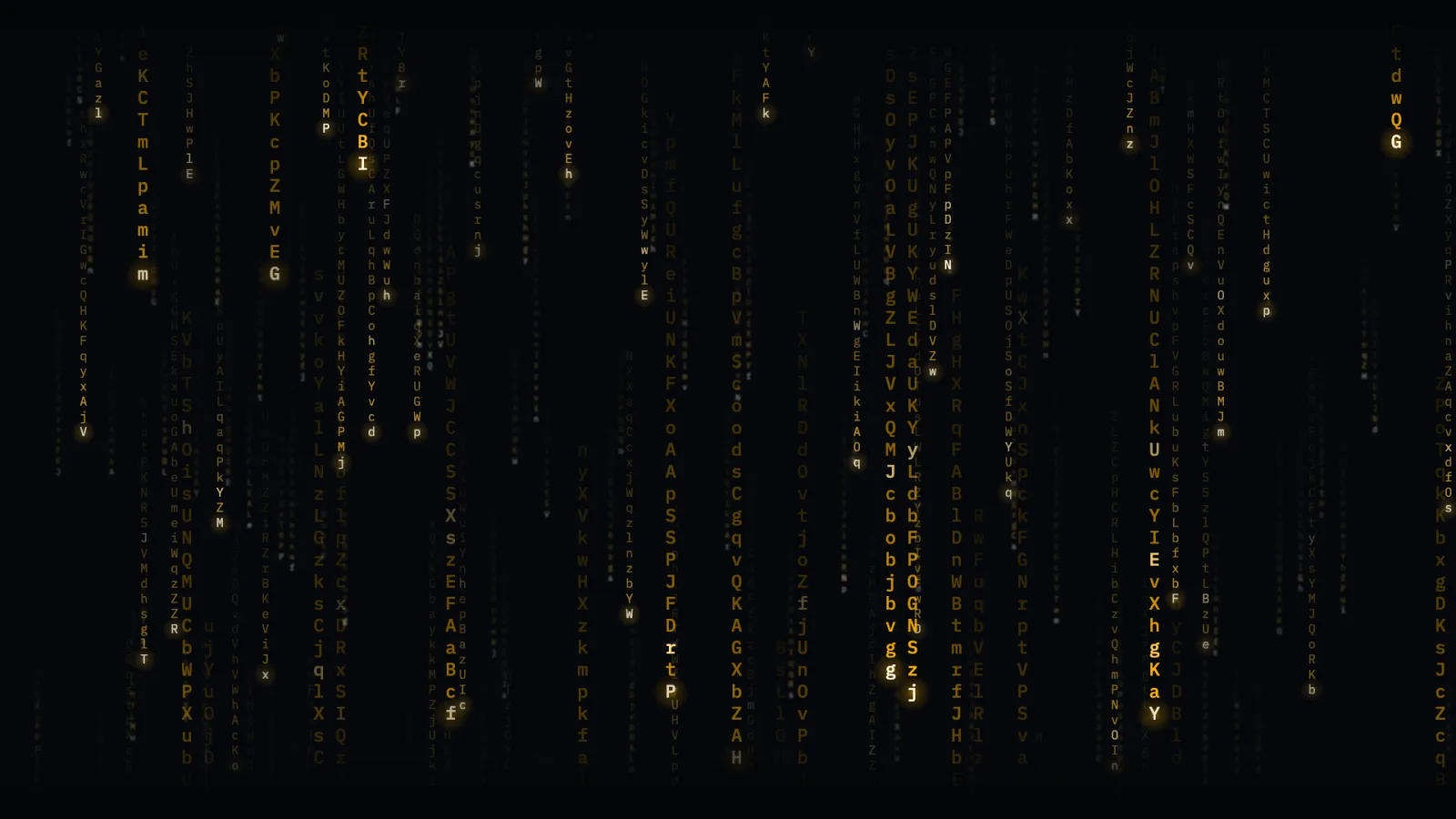
A curtain of falling glyphs, each column its own drop — speed, trail length, and the gap before the next one all varying so nothing reads as an obvious loop. The default glyph is original: a short procedural walk of angular strokes on a 5×5 grid, not any one studio’s typeface. Five colours, four glyph sets, either direction, and a seed that keeps two screens in the same rain.
Green, runesThe default: original procedural glyphs, falling.Amber, latinA different colour and a different glyph set.
About the glyphs
The falling-columns genre is old and generic; a specific studio’s exact glyph design is not. Rain’s default set is an original procedural glyph — each one a pure function of a numeric id, nothing traced or adapted from any existing typeface or film asset. Latin, digit, and mixed sets are the alternative, in a self-hosted open-source monospace.
If you self-host
Self-hosted, read-only container. Rain makes no outbound request of any kind — there is no data source, just the URL’s own configuration computed in the browser.
What it wants
A colour, a density, a direction, and optionally a seed — two screens given the same seed and configuration fall in step, computing the same math from the same wall clock rather than sharing frames.
Setup
Put Rain on a screen.
A browser is genuinely enough — the Mac app and Fully Kiosk below are conveniences, not requirements.
Any screen
nothing to install
Open the display in whatever browser the screen already has.
Go full screen: F11 on Windows and Linux, ⌃⌘F on macOS.
Or give it a browser of its own, which is what a dedicated panel wants: chrome --kiosk <url> — on macOS, open -a "Google Chrome" --args --kiosk <url>.
Turn off display sleep in the machine’s power settings and walk away.
Works on anything with a browser
Mac desktop
LivingKiosk app
Get the app and its install steps at livingkiosk.com/mac. It isn’t notarized yet, so macOS asks you to approve it once.
Menu bar → Library… and pick a display for each screen.
Configure… on any screen for its reload schedule, dim, and saved configs.
Displays are ordinary web pages, so anything that can hold one open works: a Raspberry Pi on a monitor, a retired iPad, a Fire tablet, the browser built into a TV.
Configuration
URL parameters.
Everything below, plus a live preview and a URL builder that writes the link for you, is at rain.livingkiosk.com/setup.
Parameter
Default
Meaning
color
green
amber, cyan, white, red, or a #hex value.
speed
1
Fall-speed multiplier, 0.2–3.
density
0.96
Fraction of columns raining, per layer, 0.15–1.
trail
28
Base trail length in cells, 4–80.
glyphset
runes
latin, digits, or mixed. runes is Rain’s original procedural glyph.
direction
down
up for the same rain, rising.
bg
dark
light or a #hex ground colour.
seed
—
Pins the column layout and glyph choices so two screens match.
dim
0
Black scrim over everything, 0 to 0.8 (fleet-wide convention).
Rain is open source under the MIT licence. Run it yourself with one command. The source opens to the public soon.