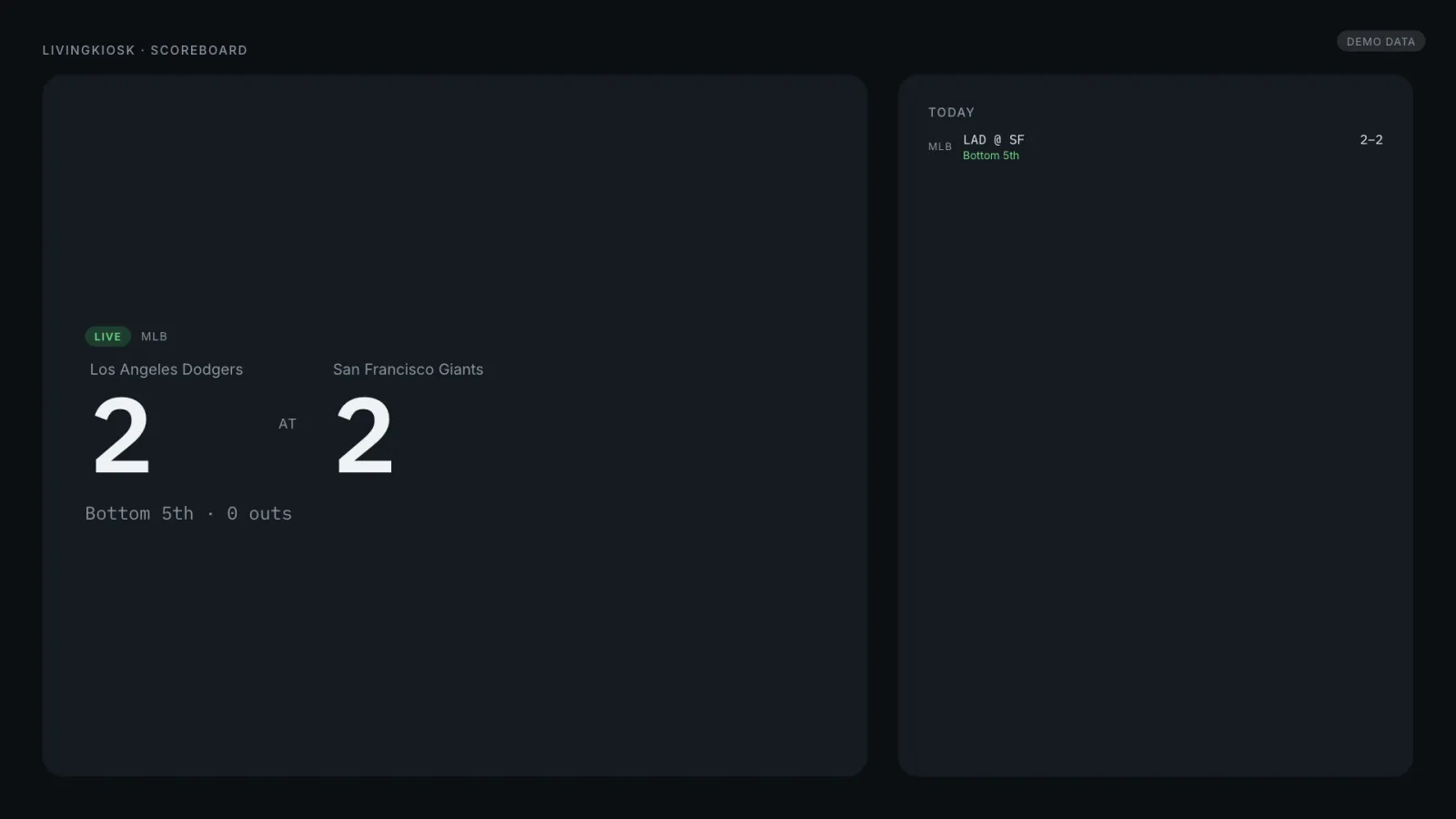
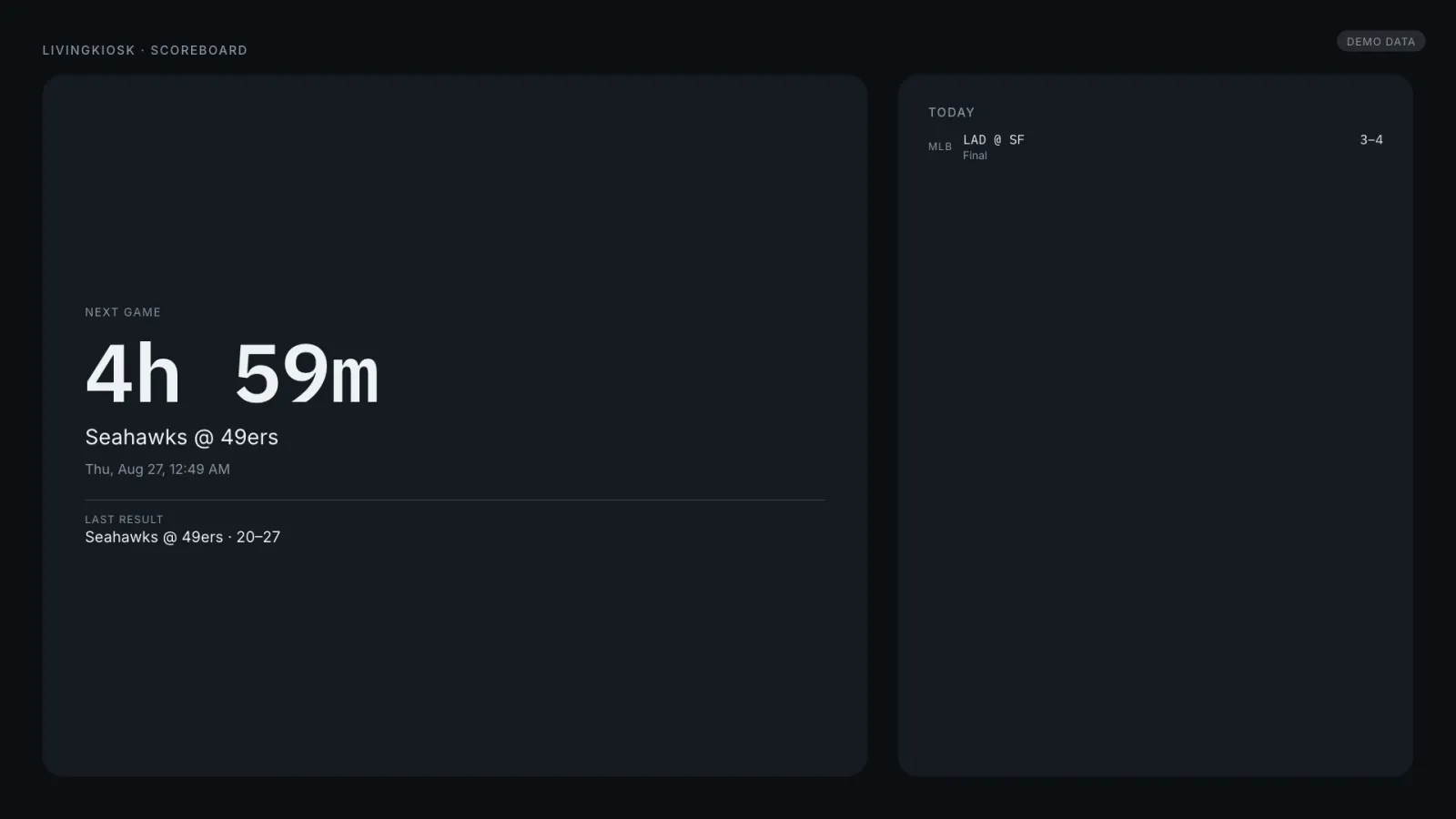
Whichever of your teams is playing, live — score, clock or inning, and a brief quiet highlight when the score changes, the one deliberate exception to an otherwise calm display. With nothing live it counts down to the next game and shows the last result underneath. TheSportsDB and MLB’s own StatsAPI supply four leagues between them; ESPN is left out on purpose, since its terms don’t clearly license this kind of always-on automated use.
LiveA game in progress, plus today’s slate alongside it.CountdownNothing live: next game, and the last result underneath.
Where the scores come from
TheSportsDB covers all four leagues out of the box. MLB’s own public StatsAPI adds inning, outs, and the ball-strike count for baseball specifically. ESPN’s richer endpoints are deliberately not used — undocumented, unsupported, and not clearly licensed for this kind of unattended use.
If you self-host
Self-hosted, server-side cache — a wall of screens all following the same team costs one upstream request, not one per screen. With no teams configured at all, it runs a realistic six-minute demo loop from the wall clock, watermarked, with no network calls.
What it wants
Teams as league:slug — mlb, nba, nfl, or nhl — picked from a bundled directory of 124 teams, plus a time zone and, if the screen sits somewhere people sleep, a quiet hours window.
Setup
Put Scoreboard on a screen.
A browser is genuinely enough — the Mac app and Fully Kiosk below are conveniences, not requirements.
Any screen
nothing to install
Open the display in whatever browser the screen already has.
Go full screen: F11 on Windows and Linux, ⌃⌘F on macOS.
Or give it a browser of its own, which is what a dedicated panel wants: chrome --kiosk <url> — on macOS, open -a "Google Chrome" --args --kiosk <url>.
Turn off display sleep in the machine’s power settings and walk away.
Works on anything with a browser
Mac desktop
LivingKiosk app
Get the app and its install steps at livingkiosk.com/mac. It isn’t notarized yet, so macOS asks you to approve it once.
Menu bar → Library… and pick a display for each screen.
Configure… on any screen for its reload schedule, dim, and saved configs.
Displays are ordinary web pages, so anything that can hold one open works: a Raspberry Pi on a monitor, a retired iPad, a Fire tablet, the browser built into a TV.
Configuration
URL parameters.
Everything below, plus a live preview and a URL builder that writes the link for you, is at scores.livingkiosk.com/setup.
Parameter
Default
Meaning
teams
none (demo)
Comma-separated league:slug — e.g. mlb:giants,nba:warriors,nfl:49ers,nhl:sharks.
tz
America/Los_Angeles
Controls every on-screen time and the quiet window.
quiet
—
HH:MM-HH:MM, local to tz. Stops polling and dims the screen.
dim
0
Flat black overlay, 0–0.8 (fleet-wide convention).
bg
dark
light or #hex.
demo
auto
on forces the demo slate even with real teams; off never shows it.
Scoreboard is open source under the MIT licence. Run it yourself with one command. The source opens to the public soon.