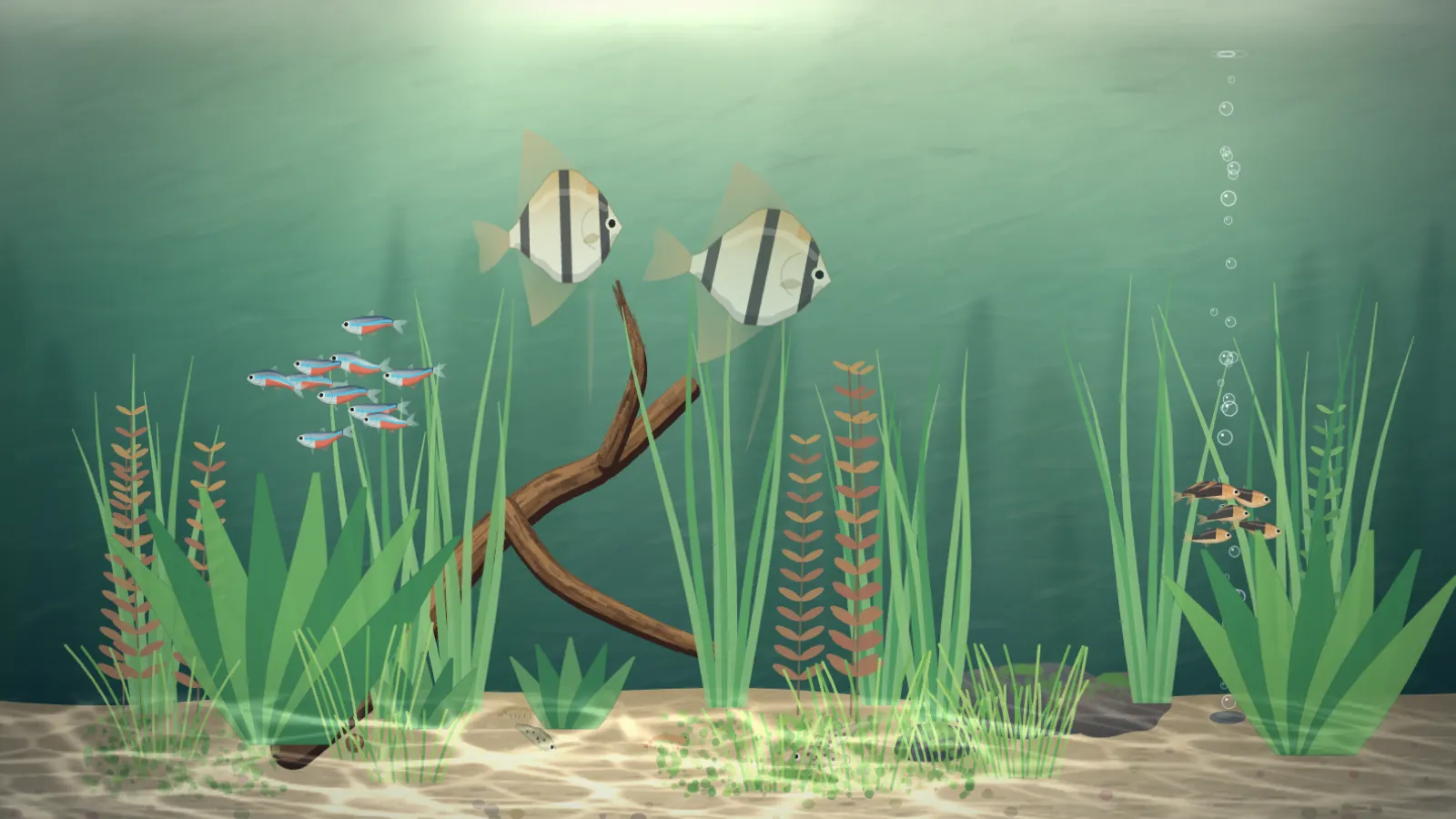
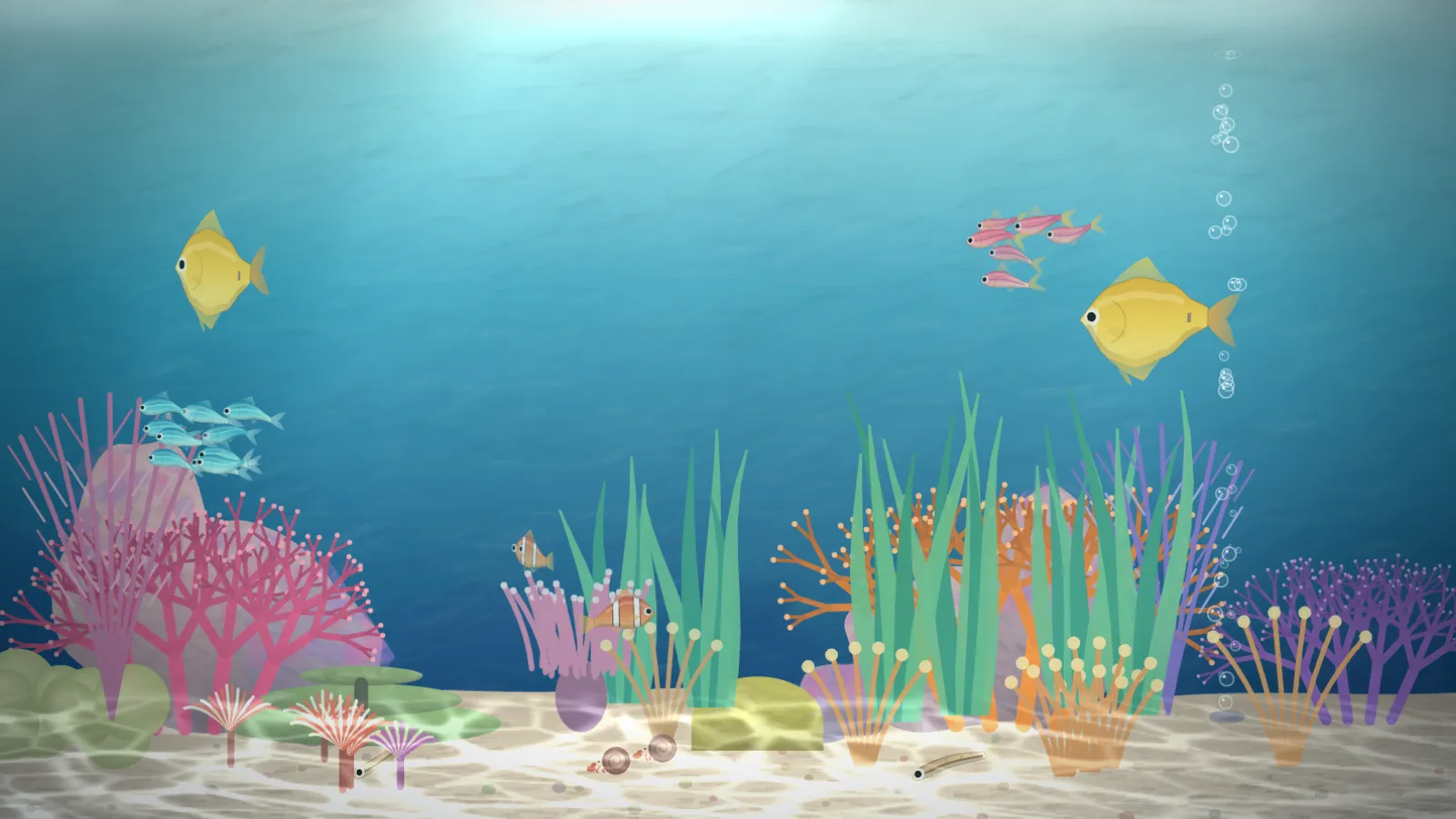
A calm aquarium, seen from the side — tetras schooling, an angelfish gliding, a bottom-feeder working the sand, plants swaying, bubbles rising, light rippling on the floor. When the room goes dark the tank follows: the light fades to blue moonlight and the fish settle low and slow. Every fish and every frame is computed in the browser; nothing is fetched and there is no sound.
PlantedA freshwater nature aquarium: tetras, angelfish, driftwood and ribbon grass.ReefBright and marine: chromis, tangs, an anemone pair and branching coral.
The fish are simulated, not animated
Each school follows three plain rules — stay close, head the same way, don’t collide — in a 3D box, so a fish at the end of the tank arcs round through the depth of the glass instead of bouncing. Every fish, plant and coral is drawn from scratch in code. A seed pins the stocking and furniture so the same URL always begins the same way.
It keeps the room’s time
In the evening the light fades to moonlight, 19:30 to 20:30 by default and back up 06:30 to 07:30, and the fish go to bed one by one. At feeding time, 08:00 unless you say otherwise, flakes fall and everyone swims up to eat. Every few minutes a curious fish comes to the front glass and looks out.
If you self-host
No outbound request at all and no audio. The simulation is capped at 30 frames a second on purpose, and a small WebGL pass adds the light shafts and caustics; if WebGL is missing the tank simply shows without the light. It also builds as plain static files for any host.
Setup
Put Tank on a screen.
A browser is genuinely enough — the Mac app and Fully Kiosk below are conveniences, not requirements.
Any screen
nothing to install
Open the display in whatever browser the screen already has.
Go full screen: F11 on Windows and Linux, ⌃⌘F on macOS.
Or give it a browser of its own, which is what a dedicated panel wants: chrome --kiosk <url> — on macOS, open -a "Google Chrome" --args --kiosk <url>.
Turn off display sleep in the machine’s power settings and walk away.
Works on anything with a browser
Mac desktop
LivingKiosk app
Get the app and its install steps at livingkiosk.com/mac. It isn’t notarized yet, so macOS asks you to approve it once.
Menu bar → Library… and pick a display for each screen.
Configure… on any screen for its reload schedule, dim, and saved configs.
Displays are ordinary web pages, so anything that can hold one open works: a Raspberry Pi on a monitor, a retired iPad, a Fire tablet, the browser built into a TV.
Configuration
URL parameters.
Everything below, plus a live preview and a URL builder that writes the link for you, is at tank.livingkiosk.com/setup.
Parameter
Default
Meaning
tank
planted
reef for a bright marine tank.
count
1
Fish density as a multiplier, 0.25–2. Schools never shrink below four; every species keeps at least one fish.
night
auto
auto follows the clock; on is always night; off always day.
feed
08:00
Daily feeding time, 24-hour, in the tank’s time zone, or off.
bubbles
1
Bubbler strength, 0–2 or off. 0 is silent water.
tz
the device’s
An IANA zone, for a screen whose clock is not the room’s.
seed
—
Pins the stocking and furniture. Two screens without a seed will not be in step.
dim
0
Black scrim over everything, 0 to 0.8 (fleet-wide convention).
Tank is open source under the MIT licence. Run it yourself with one command. The source opens to the public soon.